// video tutorial //
21. How to Invite Your Team to MyKavo (Admin, Member and Viewer Roles)
Monitoring works better as a team. Open Settings, then Team, type your teammate’s email and pick a role: Admins can invite and remove people, Members can work on websites and changes, Viewers can look but not change anything. They get an email and join your workspace. Pending invites can be copied or revoked and last 7 days. Teams come with Pro and Agency. 👉 Try MyKavo free: https://mykavo.app #teamwork #agency #saas #mykavo
Try it on your own website.
MyKavo watches your pages and tells you when something important changes or breaks. Free plan, set up in minutes.
More tutorials

22. Track Competitor Website Changes: Pricing, Headlines and More

20. Free Public Status Page and Uptime Badge for Your Website

19. White-Label Client Reports for Agencies (Your Logo, Your Brand)
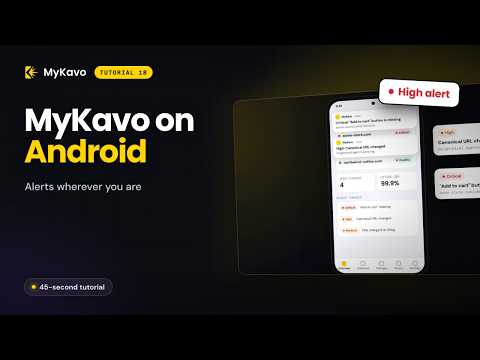
18. Website Alerts on Your Phone: MyKavo Android App

17. Free SEO Checker Chrome Extension: Instant SEO Score on Any Page

16. WordPress Safe Updates: Know Exactly Which Plugin Update Broke Your Site