// video tutorial //
01. How to Add Your First Website to MyKavo (Website Change Monitoring Setup)
Know the moment something on your website changes or breaks. In this 45-second tutorial you’ll add your first site to MyKavo: enter your URL, let MyKavo find your pages from your sitemap and homepage links, pick the ones that matter (homepage, pricing, checkout), and run the baseline scan. MyKavo records screenshots, SEO tags, links, scripts and speed for every page, and starts watching. 👉 Try MyKavo free: https://mykavo.app #websitemonitoring #mykavo #webdev #seo
Try it on your own website.
MyKavo watches your pages and tells you when something important changes or breaks. Free plan, set up in minutes.
More tutorials

22. Track Competitor Website Changes: Pricing, Headlines and More

21. How to Invite Your Team to MyKavo (Admin, Member and Viewer Roles)

20. Free Public Status Page and Uptime Badge for Your Website

19. White-Label Client Reports for Agencies (Your Logo, Your Brand)
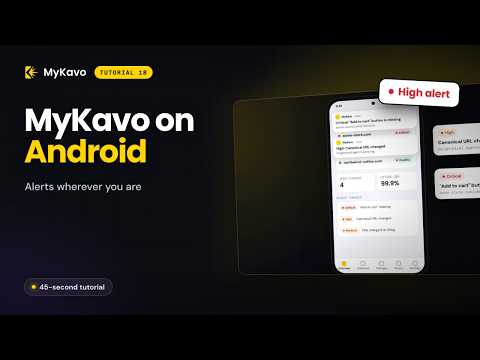
18. Website Alerts on Your Phone: MyKavo Android App

17. Free SEO Checker Chrome Extension: Instant SEO Score on Any Page