// video tutorial //
09. Website Alerts by Email and Slack: Set Up Notifications in MyKavo
Alerts are only useful if they reach the right people. Add email recipients like your developer or client, choose which severities they get (high and critical by default), and receive one grouped email per scan instead of one per change. Prefer Slack? Connect a channel in a click and use Send test to check it works. 👉 Try MyKavo free: https://mykavo.app #slack #websitemonitoring #alerts #mykavo
Try it on your own website.
MyKavo watches your pages and tells you when something important changes or breaks. Free plan, set up in minutes.
More tutorials

22. Track Competitor Website Changes: Pricing, Headlines and More

21. How to Invite Your Team to MyKavo (Admin, Member and Viewer Roles)

20. Free Public Status Page and Uptime Badge for Your Website

19. White-Label Client Reports for Agencies (Your Logo, Your Brand)
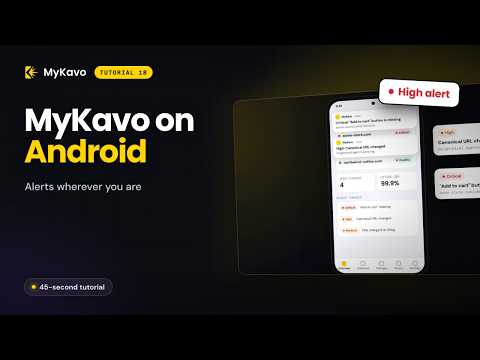
18. Website Alerts on Your Phone: MyKavo Android App
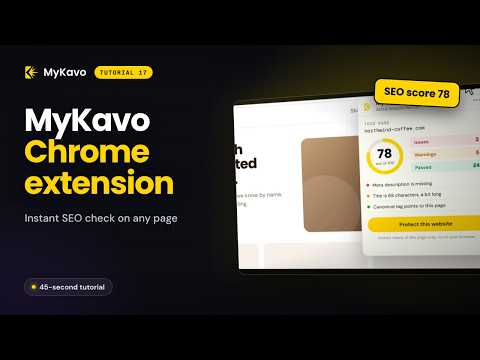
17. Free SEO Checker Chrome Extension: Instant SEO Score on Any Page