// video tutorial //
Your Add to Cart Button Just Disappeared. Here’s How to Know
Websites rarely break with a bang. A plugin updates overnight, your Add to cart button quietly disappears, and nobody notices until sales drop. MyKavo watches your key pages for you: how they look, their SEO tags, links, scripts and the buttons that make you money. With Safe Updates, it checks right after every plugin, theme or WordPress update, and tells you exactly which update caused a change. On WordPress you can roll a bad update back in one click. Start free: https://mykavo.app/?utm_source=youtube&utm_medium=video&utm_campaign=clara_explainer Free WordPress plugin: https://wordpress.org/plugins/mykavo/ How the plugin works: https://mykavo.app/wordpress-plugin?utm_source=youtube&utm_medium=video&utm_campaign=clara_explainer Chapters 0:00 Why websites break quietly 0:16 How MyKavo watches your pages 0:29 Safe Updates and clear alerts 0:41 One-click rollback and getting started Know what changed. Fix what matters. Clara is MyKavo's AI presenter. The product, alerts and features shown are real. #WordPress #WebsiteMonitoring #WooCommerce
Try it on your own website.
MyKavo watches your pages and tells you when something important changes or breaks. Free plan, set up in minutes.
More tutorials

Did a Plugin Update Break Your Website? Meet MyKavo

22. Track Competitor Website Changes: Pricing, Headlines and More

21. How to Invite Your Team to MyKavo (Admin, Member and Viewer Roles)

20. Free Public Status Page and Uptime Badge for Your Website

19. White-Label Client Reports for Agencies (Your Logo, Your Brand)
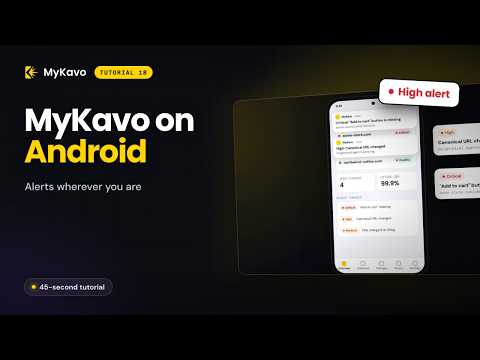
18. Website Alerts on Your Phone: MyKavo Android App